Apr 01, 2026
Introducing the Yotta AI Gateway: One API for Multiple AI Models
Distributed Inference
Cost Optimization
A unified, OpenAI-compatible API that lets you access and route across multiple AI models without managing separate integrations.
In today’s AI landscape, the biggest challenge isn’t access to models. It’s managing them.
Teams are constantly switching between providers, testing new models, and adapting to changes across APIs. What should be fast iteration turns into ongoing integration work.
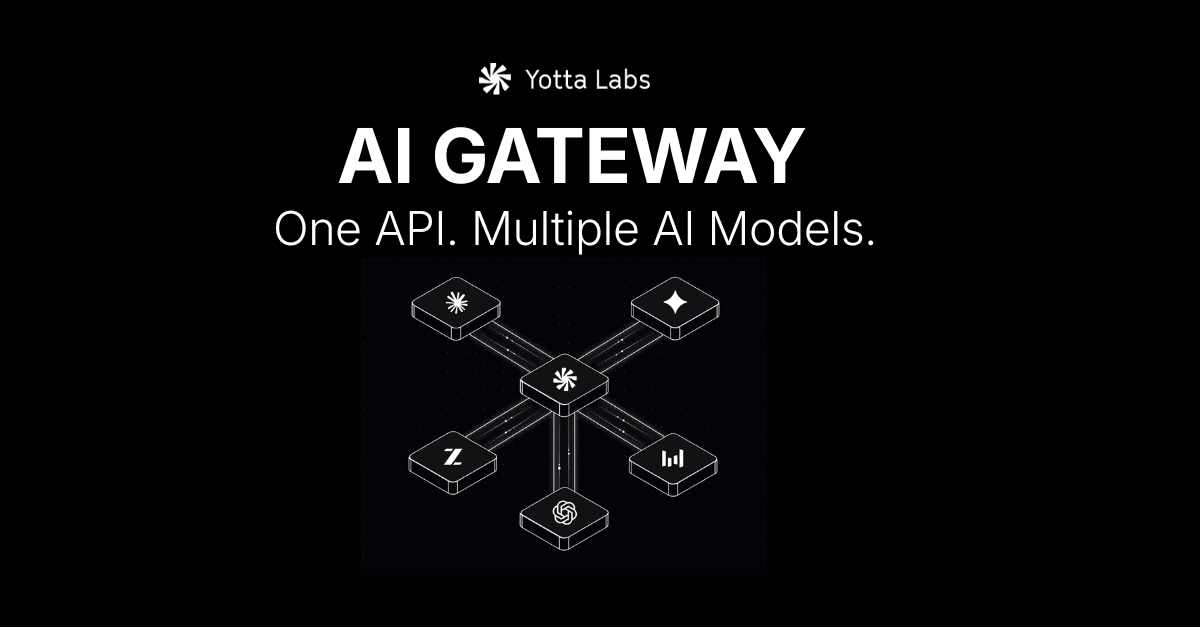
Today, we’re introducing the Yotta AI Gateway. A single, OpenAI-compatible API that gives you access to multiple leading AI models through one interface.
The Problem: Fragmented AI Infrastructure
Building modern AI applications means working across multiple providers like OpenAI, Anthropic, Google, and open-source ecosystems.
Each one comes with its own setup. Different SDKs. Different rate limits. Different behaviors.
Every time you want to try a new model or improve performance, you’re forced to rework parts of your stack. Over time, this creates friction that slows teams down.
Instead of focusing on building better products, teams end up maintaining integrations.
The Solution: A Unified API Layer
The Yotta AI Gateway simplifies this.
It provides a single API that connects to multiple model providers, so you don’t have to manage each one individually.
You integrate once, and from there you can access different models, switch between them, and adapt your system without rewriting your code.
Why Build on the Yotta AI Gateway
The Gateway is designed to remove the overhead that comes with multi-model development, while still giving you flexibility and control.
It works as a drop-in replacement for existing OpenAI-based workflows. You don’t need to learn a new system or change how your application is structured. You simply update your base URL and start using it.
From there, you can work across multiple models through a consistent interface. Instead of handling each provider separately, everything is standardized and easier to manage.
The Gateway also allows you to route requests based on what matters most to your application. That could be cost, speed, or output quality. If a provider becomes unavailable or hits limits, requests can be routed to another available model without interrupting your system.
Beyond text, the same interface supports image and video generation, making it easier to build multimodal applications without adding more integrations.
Built for How Teams Actually Work
AI development is constantly evolving.
New models are released frequently, and the best choice can change depending on the task. Locking into a single provider makes it harder to adapt.
The AI Gateway is designed to keep your system flexible.
You can test new models without reworking your code. You can adjust how requests are handled based on performance needs. And you can move faster without getting tied to one provider.
Getting Started
Getting started with the AI Gateway takes a few minutes.
You generate an API key, point your existing OpenAI client to the Gateway, and begin making requests.
From there, you can explore different models, test performance, and start building without worrying about managing multiple integrations.
For full setup instructions and examples, you can refer to the AI Gateway documentation.