Mar 17, 2026
How to Deploy NemoClaw in Production (Docker, Kubernetes, and GPU Infrastructure)
OpenClaw
GPU Pods
Learn how to deploy NemoClaw in production, including Docker, Kubernetes, and GPU infrastructure needed to run secure, long-running AI agents.
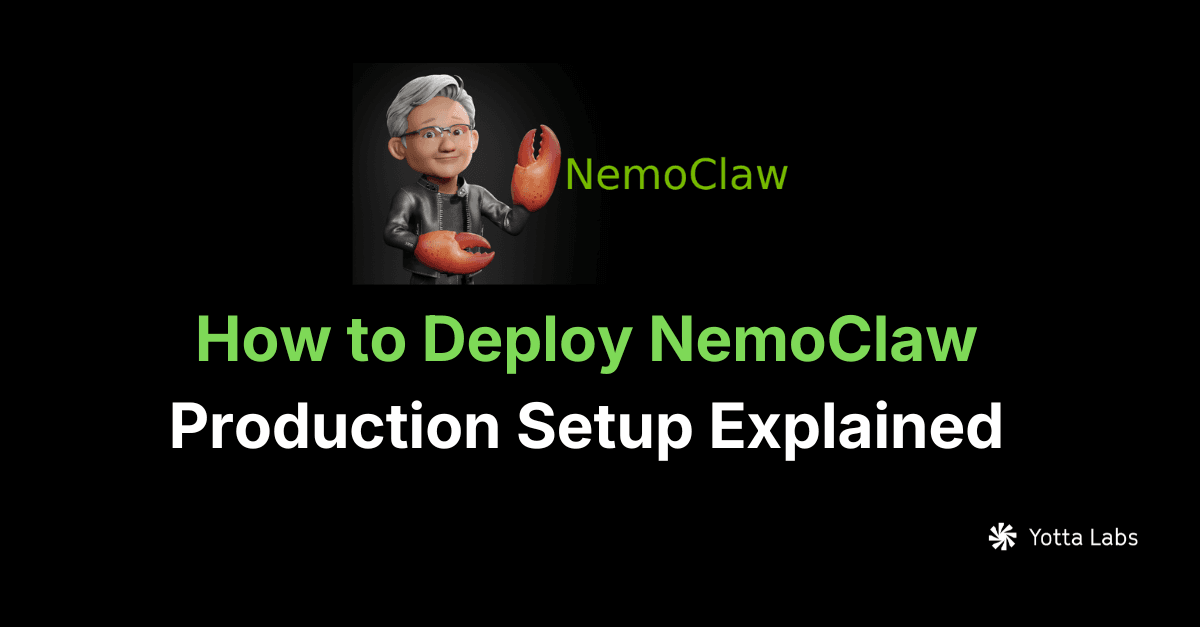
NemoClaw is an open-source stack from NVIDIA built on top of OpenClaw, designed to run AI agents in real-world environments. If you’re new to NemoClaw, you can start with our full breakdown of what it is and how it works. It extends OpenClaw by adding security, policy controls, and structured execution needed for production systems.
While getting started locally is straightforward, deploying NemoClaw in production requires a more structured setup.
In production, agents are not just responding once. They run continuously, connect to multiple systems, and execute tasks over time. That means your deployment needs to support persistence, reliability, and controlled execution.
This guide walks through what it actually takes to deploy NemoClaw in a production environment.
What makes NemoClaw deployment different
Traditional AI applications are request-based. You send a prompt, get a response, and the process ends.
NemoClaw is different.
If you want a deeper comparison of how it differs from other agent frameworks like OpenClaw, we break that down here.
It runs agents as long-lived systems. These agents maintain state, interact with tools, and operate continuously. Because of this, deploying NemoClaw is closer to deploying a backend service than running a simple model.
That shift changes everything about infrastructure.
Core components of a NemoClaw deployment
A typical NemoClaw setup includes several moving parts working together.
At a high level, you are deploying:
- An agent runtime that manages execution
- Model connections (local or external APIs)
- Tool integrations (APIs, databases, services)
- Environment configuration and permissions
Each of these components needs to be reliable and properly isolated.
Step 1: Containerize the runtime
The first step in production is packaging NemoClaw into a container.
Using Docker ensures that your runtime environment is consistent across development and production. It also makes scaling and orchestration much easier later on.
At this stage, you define:
- your base image
- dependencies
- runtime configuration
- environment variables
Once containerized, NemoClaw behaves like any other service.
Step 2: Connect models and tools
NemoClaw does not operate in isolation. It orchestrates models and external systems.
This means you need to configure:
- LLM endpoints (local or API-based)
- embedding services if needed
- external tools and APIs
- authentication and credentials
In production, this layer is critical. Misconfigured integrations are one of the most common failure points.
Step 3: Add persistence and state management
Unlike stateless systems, NemoClaw agents maintain state over time.
To support this, your deployment should include:
- persistent storage (databases or vector stores)
- logging and event tracking
- state recovery mechanisms
Without this, agents will lose context or behave unpredictably after restarts.
Step 4: Deploy with Kubernetes or managed infrastructure
For production environments, orchestration becomes important.
You have two main options:
- Kubernetes for full control and scalability
- Managed infrastructure for faster setup and reduced overhead
Kubernetes allows you to:
- scale agent workloads
- manage containers across nodes
- handle failover and uptime
Managed platforms simplify deployment but offer less control.
The right choice depends on your team and workload.
If you want managed infrastructure without losing GPU-level control, Yotta GPU Pods give you direct access to the hardware while handling orchestration, scaling, and failover for you.
Step 5: Integrate GPU infrastructure when needed
NemoClaw itself is not a model, but it often connects to models that require GPUs.
GPU infrastructure becomes important when:
- running large language models
- handling embeddings at scale
- processing multimodal workloads
In these cases, your deployment needs access to GPU-backed environments.
This is where orchestration platforms become valuable, allowing you to allocate compute dynamically based on workload demand.
Yotta GPU Pods and Serverless give NemoClaw deployments direct GPU access with autoscaling, multi-cloud failover, and no vendor lock-in. You can pin specific GPUs (H100, H200, B200) when you need predictable performance, or use Serverless to scale agent workloads on demand.
Step 6: Secure and control execution
One of the biggest differences between experimentation and production is control.
In production, agents should not run freely without boundaries.
Your deployment should include:
- permission controls for tools and APIs
- policy-based execution rules
- monitoring and alerting
- audit logging
This ensures agents operate safely and predictably.
Common deployment patterns
In practice, most teams deploy NemoClaw in one of three ways:
- Local container for testing and development
- Cloud VM or container service (e.g., Yotta GPU Pods) for simple production setups
- Kubernetes cluster for scalable, enterprise deployments
As systems grow, teams typically move toward more structured environments.
When should you use NemoClaw in production
NemoClaw is best suited for systems that require continuous, autonomous execution.
This includes:
- AI agents that interact with multiple tools
- workflows that run over long periods
- systems that need control, monitoring, and reliability
If your use case is a simple request-response model, a full NemoClaw deployment may not be necessary.
Final thoughts
Deploying NemoClaw is not just about running code. It is about building an environment where autonomous agents can operate reliably over time.
The shift from stateless AI to persistent agent systems introduces new challenges in infrastructure, orchestration, and control.
But it also unlocks a new category of applications.
Understanding how to deploy NemoClaw properly is the first step toward building production-ready AI agents.
Want to deploy NemoClaw on Yotta? Launch the Console to spin up a GPU Pod, or read the full NemoClaw deployment guide for step-by-step setup.