Mar 03, 2026
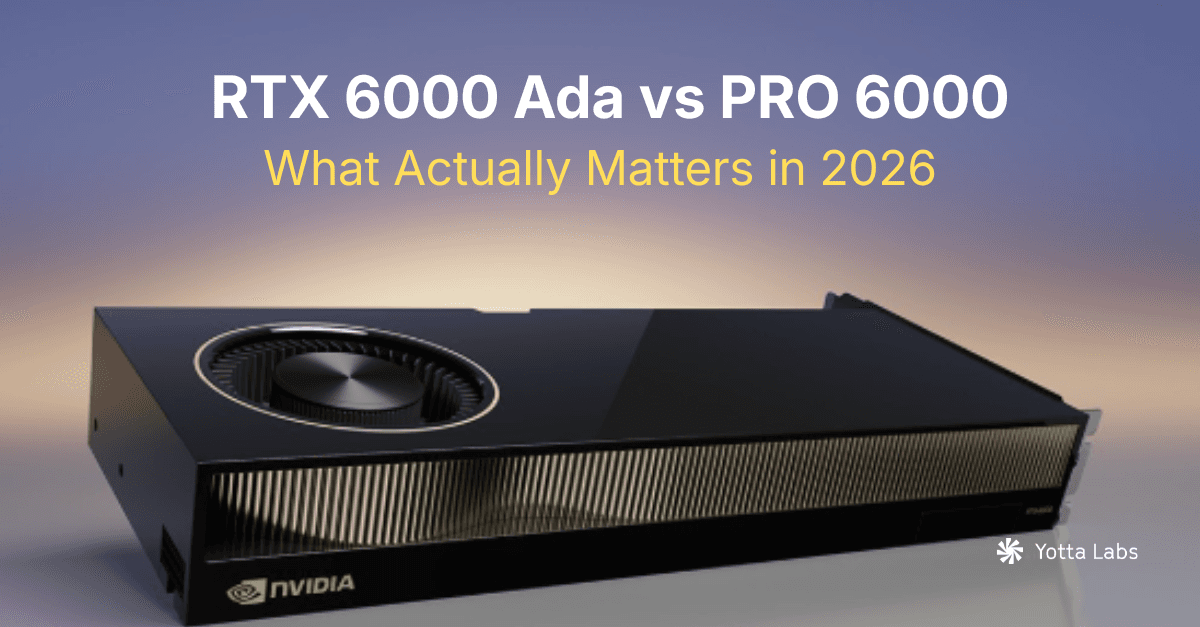
RTX 6000 Ada vs RTX PRO 6000 Blackwell: Which GPU to Buy (2026)
Cost Optimization
Distributed Inference
Which RTX 6000 GPU should you buy in 2026? Compare RTX 6000 Ada (48GB) and RTX PRO 6000 Blackwell (96GB) for LLM inference and AI workloads.
TL;DR
- If you’re serving long-context (32k/64k) + concurrency, 96GB VRAM usually beats "more TFLOPS", because KV cache grows linearly with sequence length and batch.
- RTX PRO 6000 Blackwell adds native FP4 / NVFP4 support, which can improve throughput for quantized LLM serving.
- If you need heavy multi-node training with tensor parallel + fast GPU-to-GPU communications, H100/H200/B200-class remain the more reliable option—especially when NVLink/NVSwitch is part of the design.
- RTX 6000 Ada is still a strong "mid-scale" choice when models fit in 48GB
Which NVIDIA RTX 6000 GPU Is Right for You in 2026?
If you’re evaluating NVIDIA RTX 6000 GPUs for AI workloads, you’ve likely noticed something confusing. There isn’t just one RTX 6000. There’s RTX 6000 Ada. RTX PRO 6000 Blackwell. Server variants. Different memory sizes. Different architectures. For AI developers building LLM inference systems, fine-tuning pipelines, or production AI infrastructure, those differences matter. This guide breaks down the real architectural and workload differences so you can choose the correct GPU for your use case.
RTX 6000 Ada vs RTX PRO 6000 Blackwell Family: Core Specifications
| Feature | RTX 6000 Ada | RTX PRO 6000 Workstation | RTX PRO 6000 Server Edition | RTX PRO 6000 MAX-Q |
| Architecture | Ada Lovelace | Blackwell | Blackwell | Blackwell |
| VRAM | 48GB GDDR6 | 96GB GDDR7 | 96GB GDDR7 | 96GB GDDR7 |
| ECC | Yes | Yes | Yes | Yes |
| Memory Bandwidth | 960 GB/s | 1,792 GB/s | 1,792 GB/s | 1,597 GB/s |
| Tensor Core Generation | 568 (4th Generation) | 752 (5th Generation) | 752 (5th Generation) | 752 (5th Generation) |
| Single-Precision Performance | 91.1 TFLOPS | 125 TFLOPS | 120 TFLOPS (FP32) | 110 TFLOPS |
| FP4 / NVFP4 Support | No | Yes | Yes | Yes |
| PCIe | PCIe 4.0 | PCIe 5.0 | PCIe 5.0 | PCIe 5.0 |
| TDP | ~300W | ~600W | 400-600W | ~300W |
| Best Fit | Workstation / Mid-scale AI | Single/dual-GPU workstations, peak local throughput | GPU clouds, inference clusters, rack-scale deployments | Power-limited workstations, higher density per rack, better perf/W |
Architecture: Ada vs Blackwell
RTX 6000 Ada is built on the Ada Lovelace architecture. It is stable, widely deployed, and well-suited for workstation AI and mid-scale workloads.RTX PRO 6000 is built on NVIDIA’s newer Blackwell architecture. Blackwell introduces:
- Fifth-generation Tensor cores
- Native FP4 / NVFP4 support
- Improved inference efficiency for quantized models
- Higher memory bandwidth class
- Larger memory capacity
For training-heavy workloads, the architectural difference may not be dramatic unless you are pushing very large distributed systems. For inference-heavy systems, Blackwell’s efficiency improvements can materially impact throughput per watt and cost per token.
Memory Capacity: 48GB vs 96GB
For modern AI workloads, memory is frequently the limiting factor. RTX 6000 Ada provides 48GB of VRAM. RTX PRO 6000 provides 96GB. That difference directly affects:
- Maximum batch size
- Long-context LLM inference
- KV cache growth under concurrency
- Hosting larger quantized models per GPU
- Tensor parallel complexity
Long-context LLM inference increases KV cache usage linearly with sequence length and batch size. When running 32k or 64k context models, memory headroom becomes critical for stability.For many production inference systems, additional memory reduces out-of-memory failures, improves batch stability, and lowers cost per token by enabling better GPU utilization.
Training Workloads
RTX 6000 Ada is well suited for:
- Fine-tuning mid-sized models
- LoRA experimentation
- Research workloads
- Single-node training
If you are running large multi-node distributed training with heavy tensor parallelism and NVLink interconnect requirements, datacenter GPUs such as H100-class systems remain stronger for that purpose. NVLink is NVIDIA’s high-bandwidth, low-latency interconnect designed to accelerate GPU-to-GPU communication. In practice, it improves performance when workloads spend meaningful time moving tensors between GPUs (e.g., all-reduce, tensor parallel, pipeline parallel, activation exchange). If you're mostly doing single-GPU inference or "loosely coupled" multi-GPU (independent replicas behind a router), NVLink is much less critical.RTX PRO 6000 may provide benefits when:
- Memory is the primary bottleneck
- Larger per-GPU shard sizes are needed
- You want more headroom for experimentation before scaling out
Inference Workloads
Inference economics are different from training economics. For inference-heavy workloads, important factors include:
- Memory headroom
- Quantization support
- Tokens per second under load
- Stability at P95 / P99 latency
RTX PRO 6000 supports NVFP4, enabling efficient 4-bit floating-point inference. For many quantized LLM deployments, this improves throughput and reduces memory pressure.With 96GB of VRAM, RTX PRO 6000 can host larger quantized models or support longer context windows per device compared to RTX 6000 Ada. For instance, on a single 96GB NVIDIA RTX PRO 6000, teams can realistically self-host 70B-class open models using INT4/AWQ/GPTQ quantization—e.g., Llama 3 70B Instruct (INT4) and adjacent 70B variants—where the weight footprint is on the order of ~32–35GB before KV cache and runtime overhead. For larger models, Mixtral 8×22B (4-bit) reports an INT4 weight size around ~65.8GB, which fits in 96GB but becomes KV-cache-sensitive at long contexts and higher concurrency. Models like Qwen2.5-72B (4-bit) are also commonly cited around ~47GB for 4-bit weights, making 96GB a strong single-GPU target for long-context inference and multi-request serving. For production LLM serving, high-volume token generation, RAG systems, and agent workloads, memory and quantization support often matter more than peak theoretical TFLOPS.
We’ve also covered RTX PRO 6000 positioning for AI and LLM workloads in detail in our guide, What You Need to Know About RTX PRO 6000 GPUs for AI & LLM Workloads.
When RTX 6000 Ada Makes Sense
Choose RTX 6000 Ada if:
- Your models comfortably fit within 48GB
- You are running workstation-based AI workflows
- You are experimenting or prototyping
- Budget constraints are strict and inference load is moderate
RTX 6000 Ada remains a strong and cost-effective option for many AI teams not pushing large-scale inference concurrency.
When RTX PRO 6000 Is the Better Choice
Choose RTX PRO 6000 if:
- You are running production LLM inference
- You need long-context serving stability
- You rely on quantized inference
- Memory headroom is critical
- You want to reduce the number of GPUs required for a given throughput target
For inference-heavy deployments, the additional 48GB of VRAM and NVFP4 support can materially improve real-world efficiency.
How to choose among SE / WE / Max-Q for RTX PRO 6000
Choose based on what constraints dominate:
Choose Server Edition if you operate like a cloud:
- Rack density, airflow design, and predictable thermals matter more than "desktop convenience".
- You need standardized server integration patterns.
Choose Workstation Edition if you want peak single-card performance:
- You have the thermal/power headroom (600W) and you're okay with workstation-style deployment.
Choose Max-Q if perf/W and power limits dominate:
- Max-Q trades peak clocks for efficiency. Independent testing in content creation workloads shows Max-Q can be noticeably slower than the full Workstation Edition, which is consistent with the lower power envelope. (For AI inference, the exact gap depends on kernel mix, memory pressure, and whether you’re throughput- or latency-bound.)
The Real Decision Framework
For production inference, performance collapses under real traffic: uneven prompt lengths, variable generation, KV cache pressure, and strict P95/P99 latency targets. Instead of asking which GPU is "faster", ask:
- Does my workload hit memory limits?
- Is inference cost per token my primary constraint?
- Do I require quantized serving at scale?
- Will 96GB reduce tensor parallel complexity?
If memory and inference efficiency dominate your workload economics, RTX PRO 6000 is typically the stronger choice.If your workload is mid-scale, experimental, or comfortably fits within 48GB, RTX 6000 Ada remains a practical option.
Final Takeaway
The RTX 6000 naming is confusing, but the decision framework is not. RTX 6000 Ada is a strong mid-scale AI and workstation GPU. RTX PRO 6000 Blackwell is positioned for production inference, larger memory workloads, and improved quantized performance. For AI teams optimizing cost per token and inference stability in 2026, memory capacity and efficiency often matter more than raw compute. Choose based on workload bottlenecks, not branding.