Launch AI Environments on
GPUs in Minutes
Preconfigured deployment templates that allow teams to quickly launch AI
workloads on GPUs without manual infrastructure setup.
Overview
What Are Launch
Templates?
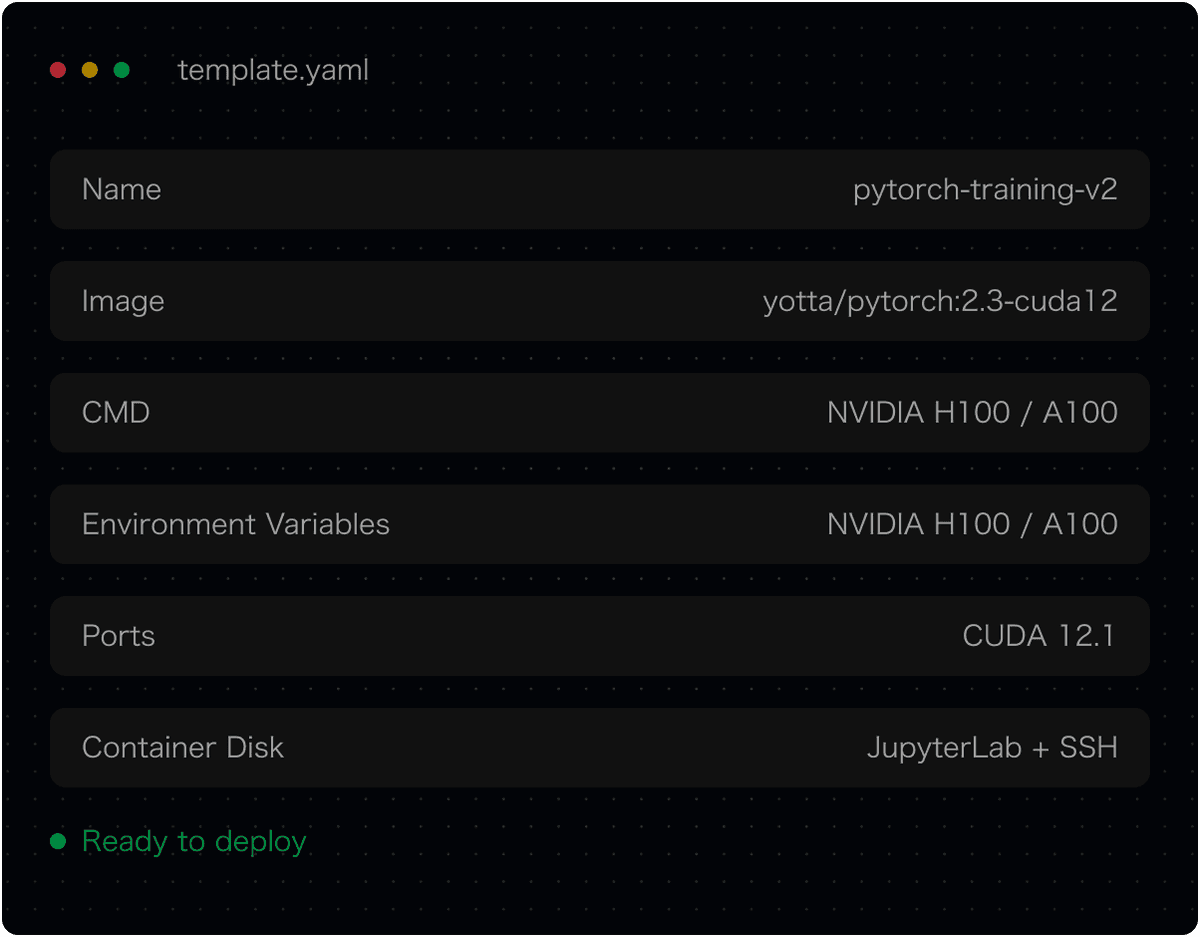
Each template bundles a Docker image, framework config, and runtime setup — so your team skips the boilerplate and starts building.

Pre-bundled environments
Docker image + CUDA drivers + framework — all configured and ready

Consistent across deployments
Same environment from dev to production, no configuration drift

Launch in seconds
One click to spin up a GPU Pod — no setup scripts required
Why Teams Use
Launch Templates
Deploying AI infrastructure typically requires configuring multiple components — GPU drivers, containers, runtime frameworks, and environment dependencies. Launch Templates simplify this process by packaging common deployment configurations into reusable environments.

Launch workloads faster

Reduce environment setup errors

Maintain consistent infrastructure across projects

Standardize deployment workflows

Template Library
Example Launch Templates
Preconfigured environments for the most common AI workloads.
Training & Research

Yotta Pytorch:2.9.0
A ready-to-use Jupyter Notebook environment with PyTorch 2.9 and Python 3.11 pre-installed, optimized for GPU-accelerated training and inference.
PyTorch
CUDA
Jupyter
Training & Research

Unsloth
Unsloth is an open-source framework for LLM fine-tuning and reinforcement learning (RL).
PyTorch
CUDA
Jupyter
Training & Research

FLUX-1.dev
FLUX 1.dev specializes in realistic, photography-like image generation. Strong lighting, composition, texture realism, and cinematic atmosphere. Ideal for portraits, product shots, scenic photography, and filmic storyboard visuals.
PyTorch
CUDA
Jupyter
Training & Research

Wan2.1
WAN 2.1 is an earlier stable version of the WAN series. It emphasizes consistent character faces and reliable reproducibility. Preferred for long-term projects, character IP pipelines, and batch-stable illustration styles.
PyTorch
CUDA
Jupyter
Platform Integration
Deploy AI Workloads
Across Distributed GPU
Infrastructure
Run AI workloads across NVIDIA, AMD, and AWS Trainium — without changing your code or your templates.

Standardized environments
Templates abstract hardware differences the same YAML works on any silicon

No vendor lock-in
Switch providers or add new chips without rebuilding your deployment pipeline
Workflow
How Launch Templates Work
From template selection to a running environment in four steps.

Choose a Launch Template
Browse the template library and select the environment that matches your AI workload.

Click Deploy
One click creates a GPU Pod with the template's preconfigured Docker image and runtime.

View in Pods Dashboard
Track your Pod's status, resource utilization, and logs in the Yotta Pods dashboard.

Access via JupyterLab or SSH
Connect to your environment instantly through JupyterLab in the browser or SSH.
Start Deploying
AI Workloads
Launch GPU environments quickly using
preconfigured templates designed for AI workloads.